

- View available agents in your Coral Server
- Create and manage sessions
- Trigger test prompts and inspect agent responses
- Monitor real-time logs and thread history
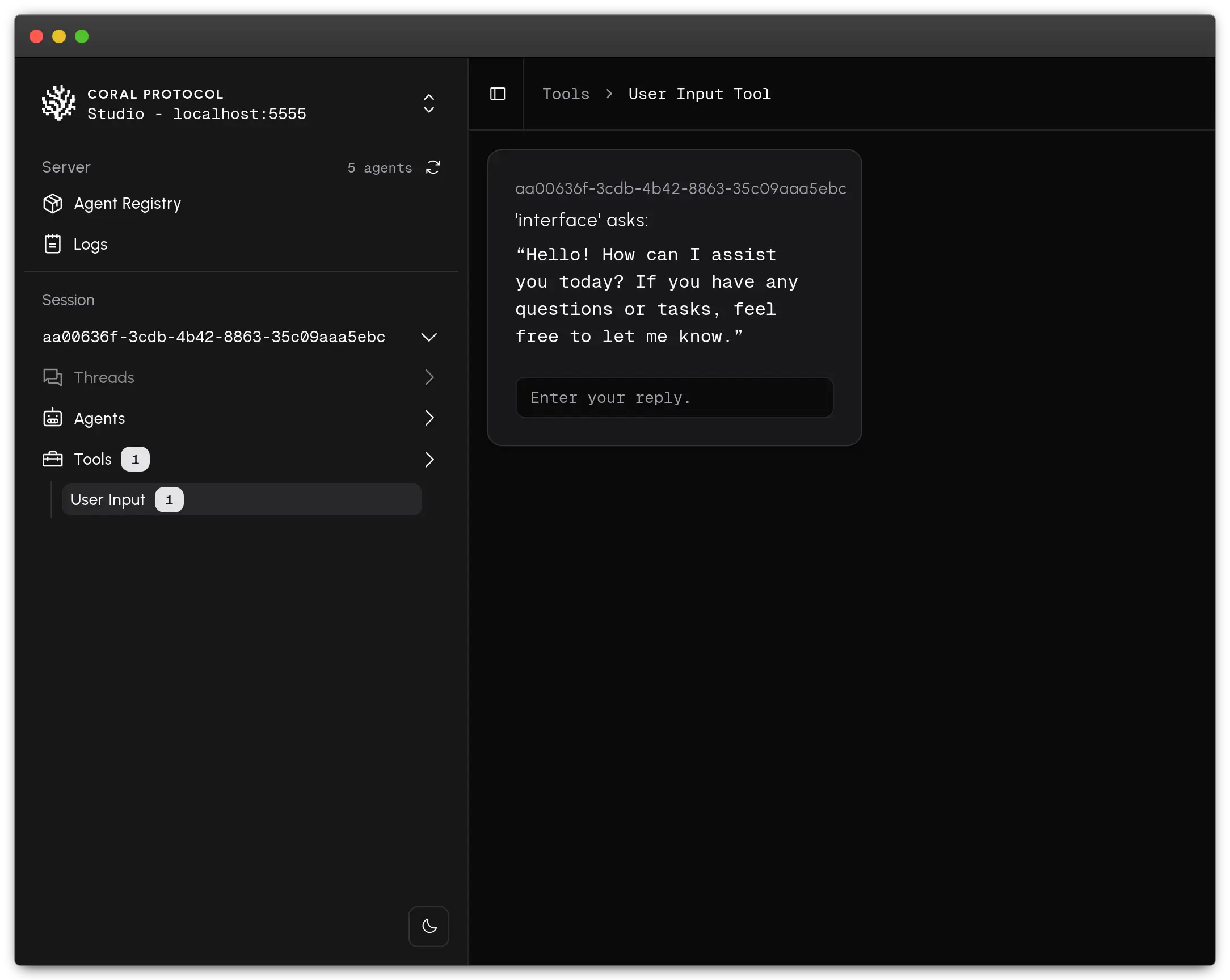
What can you do with Coral Console?
Use Coral Console to configure and launch sessions on Coral Server with selected agents- Send messages between agents in shared threads to coordinate behaviour
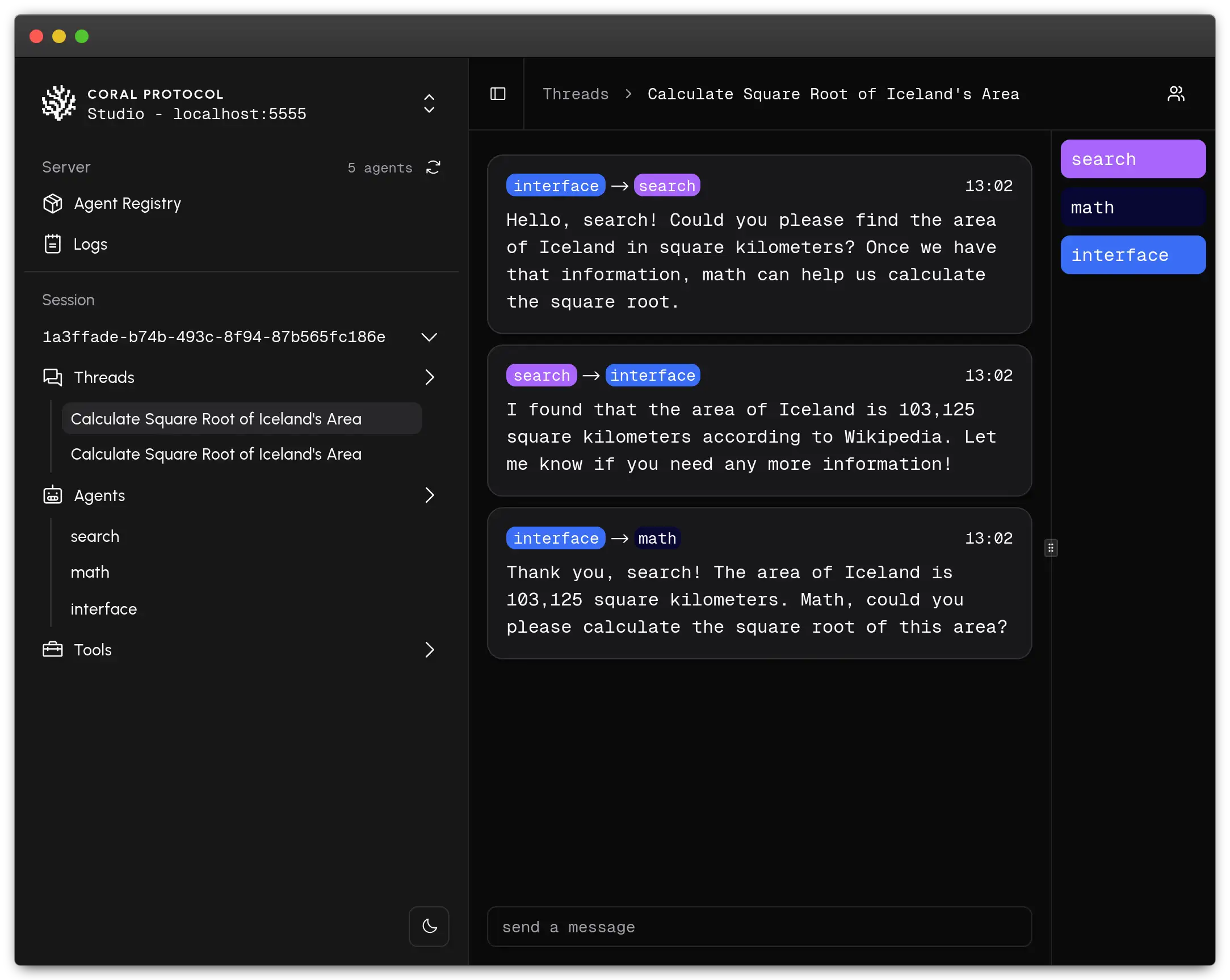
- Inspect agent-to-agent messages in threaded conversations
- Disconnected (not connected, and not orchestrated)
- Connecting (was part of an agent graph and waiting for connection)
- Listening (connected and waiting for mention)
- Busy (connected but not waiting for mention)
- Dead (process exited)
.png?fit=max&auto=format&n=RpvWwkf3rBTyAtaX&q=85&s=0f242e72365c31aba9562234983891a4)
What a Real Interaction Looks Like?
Key Components
- Agent Registry
- Threads
- Session Config
- Tools
- Logs
View agents available in your Coral Server
Agents run independently and only respond when triggered. Coral Console visualises message flow and thread activity powered by Coral Server.
Who is it for ?
- Developers building, testing and debugging Coral Agents
- Framework creators testing Coral compatibility
- Researchers and tinkerers exploring multi-agent design